ChatGPT Skills For Marketing: How To Build Your Own (2026)
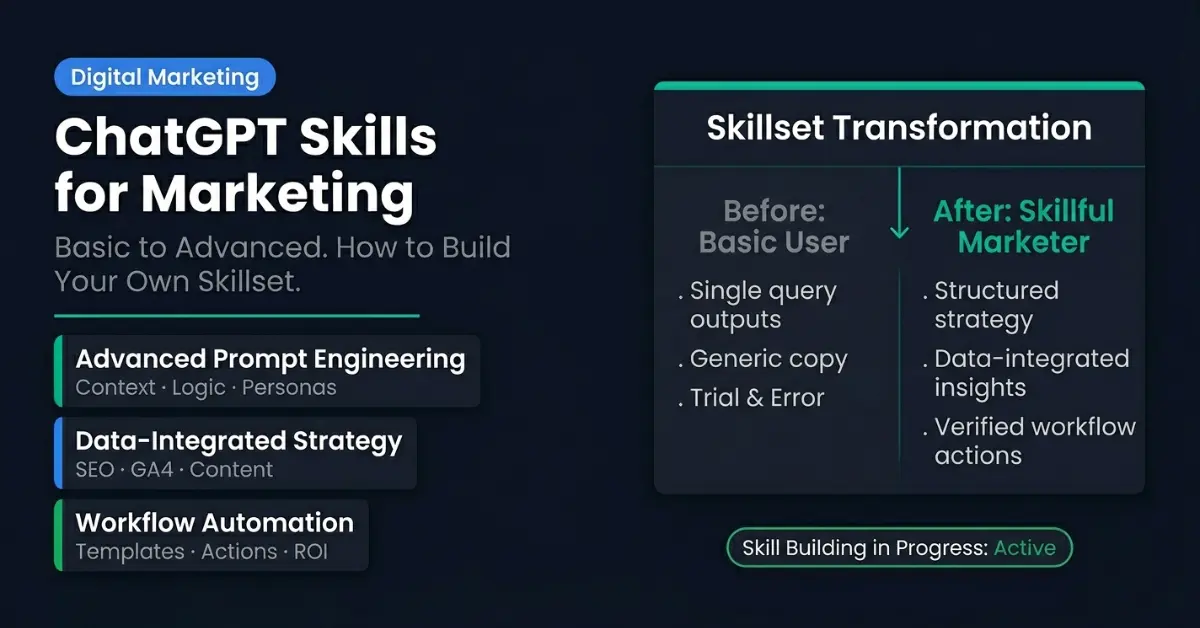
A marketer I work with spent a recent Sunday night doing something oddly specific: pasting the same 600-word prompt into ChatGPT for the eleventh time that week. Same brand rules. Same tone notes. Same output format, rebuilt from scratch every time, because ChatGPT forgets the moment you close the tab.
Then a junior on her team did the identical task in about nine seconds. No giant prompt. No copy-paste. He typed one line: "use our blog-brief skill."
That nine-second gap is what this article is about. It is also the most misunderstood feature in ChatGPT right now, because "ChatGPT Skills" quietly came to mean two different things in 2026, and most articles only tell you about one of them.
What "ChatGPT Skills" Actually Means in 2026
Here is the part nobody untangles for you. The phrase now points at two separate things:
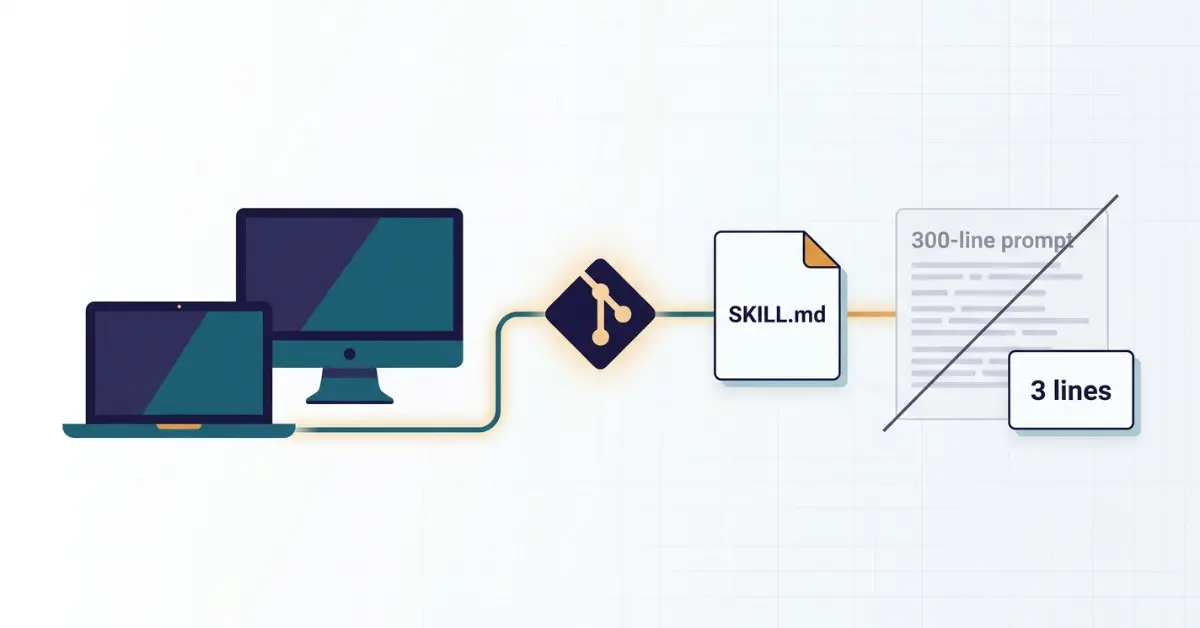
- Native ChatGPT Skills, an official OpenAI feature. A skill is a reusable workflow ChatGPT can follow on its own, usually written in a file called
SKILL.mdthat bundles instructions, examples, and resources (templates, brand guidelines, schemas). You can spin one up by asking ChatGPT to "create a skill" mid-chat, or build one in the Skills editor. - "Skills" as marketers use the word: reusable workflows you assemble yourself out of Projects, Custom GPTs, or saved prompt templates, so your team produces the same quality output without re-explaining the brief every time.
Both are legitimate. But there is a catch that changes everything for most readers, so let's deal with it honestly before going further.
The Catch: Most Marketers Can't Use Native Skills Yet
As of mid-2026, OpenAI's native Skills feature is in beta and limited to Business, Enterprise, Edu, Teachers, and Healthcare plans. If you are on ChatGPT Free or Plus, which is most freelancers, solo consultants, and small agencies, the toggle simply is not there for you yet.
That is the quiet truth the hype skips. The good news: you do not need the native feature to get 90% of its value. You need the idea behind it. So this guide covers both: what native Skills do, and how to build the same capability on the plan you already pay for.
Why Prompts Stopped Being Enough
Think of a single prompt as a sticky note. It works once, for one person, in one moment. A skill is more like a recipe card laminated and pinned to the kitchen wall. Anyone on the team can pick it up and produce the same dish.
If you have ever kept a swipe file of go-to prompts, the way we documented 47 reusable AI prompts for SEO work, you already understand the instinct. A skill is the next step up: it stops being a prompt you remember and becomes a standard your team can't get wrong.
The difference shows up under pressure. One prompt produces one good answer. A skill produces the same good answer on a busy Friday, from a new hire, at 6 p.m., without you in the room.
Native ChatGPT Skills vs. the Skills You Can Build Today
Here is the honest comparison, so you pick the right path for your situation:
| Native ChatGPT Skills | Build-it-yourself (Projects / GPTs / templates) | |
|---|---|---|
| Who can use it | Beta: Business, Enterprise, Edu, Teachers, Healthcare | Any plan, including Free and Plus |
| Defined in | A SKILL.md file (instructions, examples, resources) |
Custom GPT instructions + knowledge files, or a saved Project |
| Auto-triggered? | Yes, ChatGPT recognises when a skill applies | No, you invoke it manually |
| Best for | Teams already on an enterprise plan | Solo marketers and small agencies |
| Setup time | Minutes, in-chat or via the editor | An afternoon to build your first few properly |
If you are curious how this stacks up against the other major assistant, Anthropic shipped a similar concept first; we compare the two approaches in ChatGPT vs Claude for marketing work and keep a running Claude skills library alongside the ChatGPT one.
How to Build a ChatGPT Skill Without Enterprise Access
You can replicate native Skills on Free or Plus today. The cleanest method is a Custom GPT (Plus) or a Project (Free), built in four steps:
- Pick a task you repeat weekly. Not "marketing", but something specific, like "turn a keyword into a publish-ready content brief."
- Write the workflow, not just the ask. Spell out the steps in order, the exact output format, and the quality bar. This is your
SKILL.mdin spirit. - Feed it your context. Upload your brand voice notes, a sample of your best past output, and any data the task needs. Context is what separates a generic answer from your answer.
- Add a "good vs. bad" example. Show one output you would approve and one you would reject. This single step does more for consistency than any clever wording.
Save it, name it plainly, and your team invokes it the same way that junior did: by name.
7 ChatGPT Skills Every Marketer Should Build First
Start with the tasks you do most, where inconsistency costs you the most. These seven cover the bulk of a marketing week:
- Brand-voice content brief: turns a topic into a structured outline with angle, headings, and target intent. (Our SEO-specific versions live in the ChatGPT SEO skills set.)
- Keyword cluster and intent map: groups a seed keyword into topic clusters tagged by search intent, so you plan a hub, not a one-off post.
- On-page SEO audit: paste a URL or content and get a prioritised fix list. If you would rather not build this from scratch, our free SEO audit tool runs the same logic automatically.
- Schema markup generator: outputs clean JSON-LD for articles, FAQs, and products, ready to validate.
- Repurpose-to-social: breaks one article into platform-specific posts without losing the argument.
- Image SEO and alt text: generates descriptive, non-stuffed alt text and filenames (we built a dedicated image SEO tool for this exact job).
- GA4 / Search Console summariser: turns a messy export into a plain-English "what changed and why" brief for clients.
If your goal is visibility inside AI answers rather than only blue links, pair these with the tactics in our GEO and AEO guide and how to get cited in Google's AI Overviews.
Skills vs. Prompts vs. Custom GPTs: The Honest Difference
People use these three words interchangeably, which causes most of the confusion:
- A prompt is a single instruction. Disposable.
- A Custom GPT is a container: a saved assistant with instructions and uploaded files. It holds your skill.
- A skill is the workflow itself: the steps, the standard, and the examples that make the output repeatable.
You can run a skill inside a Custom GPT. The GPT is the kitchen; the skill is the recipe.
The Mistake That Quietly Kills Most Skill Libraries
After building these for client teams, the failure pattern is almost always the same, and it is not technical.
Most people encode a prompt but forget to encode a standard. They write beautiful instructions and skip the one thing that actually creates consistency: a concrete example of an acceptable output and an unacceptable one. Without that reference, every team member quietly drifts back to their own taste, and three months later your "library" produces ten different voices.
Fix it by treating each skill like an SOP, not a clever prompt. Show the model what "done right" looks like. That is the difference between a tidy demo and a system that survives contact with a real, busy team, the same discipline behind the repeatable workflows in our Indigo Software case study.
Frequently Asked Questions

Leave a Comment
Your email address will not be published. Comments are moderated before appearing.